Kobi works whether you’re looking or not. In Autopilot it investigates an incident at three in the morning; in Copilot it keeps reading logs while you switch tabs. Until now, to know what it was doing you had to open the panel and read.
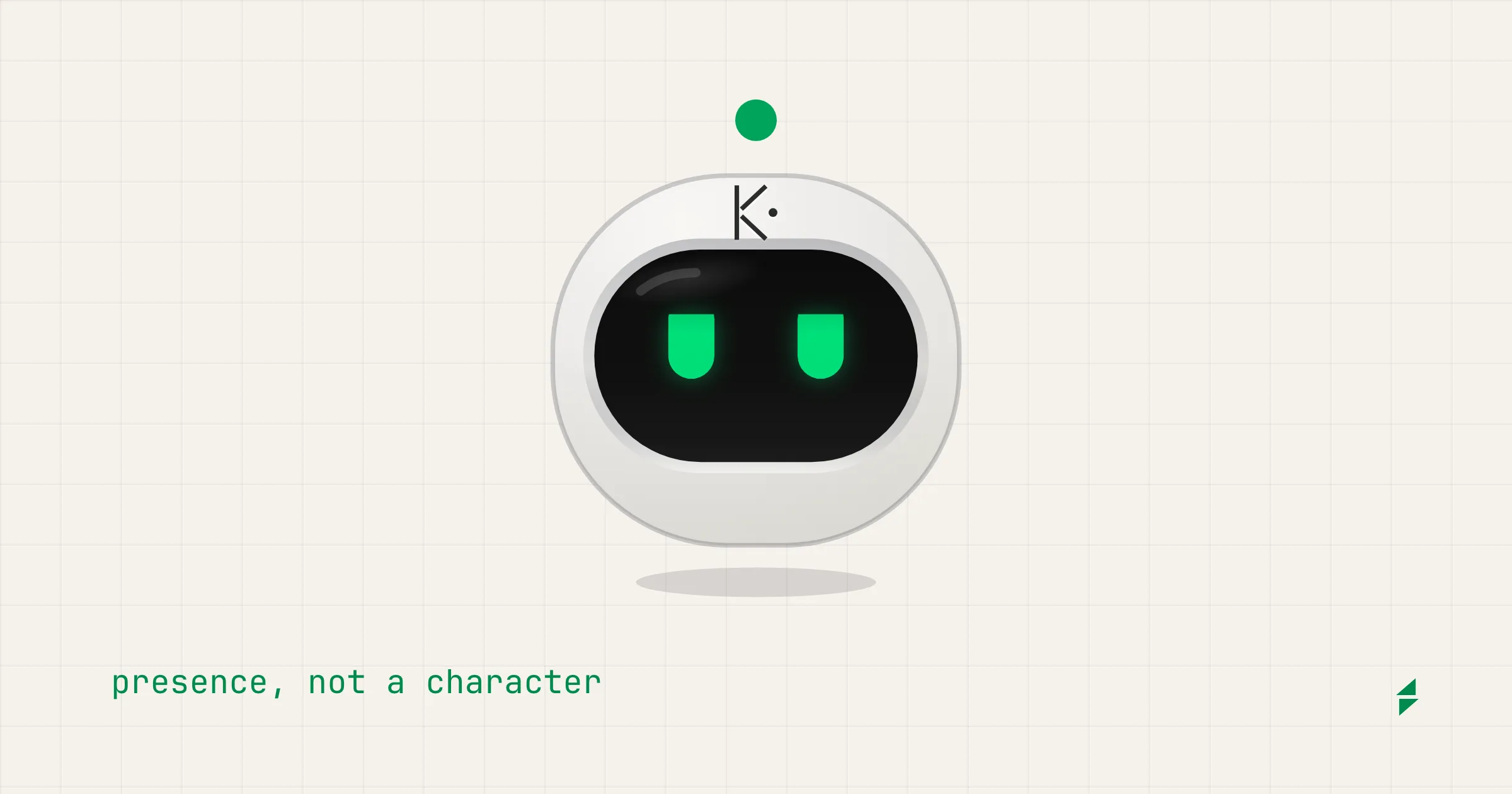
From today Kobi has a face: a head that tells you, at a glance and with the panel closed, whether it’s watching, investigating, waiting for your approval or changing your infrastructure. You can already see it on this site, in the bottom-right corner, and it reaches the product in the next release.
Presence, not a character
Plenty of assistants solved this same problem with a character: a mascot that cheers when it gets something right and looks sad when it doesn’t. We kept the problem and left the solution. Kobi earns trust by being right, not by being likeable, so its face shows attention and never emotion:
- It has no mouth. It doesn’t smile when it finishes or look sad when it fails.
- Every state comes from a real signal in the system. None is inferred from the tone of an answer.
- It always comes with a line of text saying what it’s doing: Investigating · Logs · payments-api.
- It’s never red. Red belongs to your cluster’s problems, not to Kobi.
A smile on top of a failed rollback in production doesn’t build trust. A blue dot that says “I need your approval” does.
One dot that says what’s happening
The state’s color lives in one place: the dot floating above the head. The rule fits in two sentences:
The dot alone means nothing is happening. Something around the dot means something is happening, and its shape says what.
- Watching nothing running
- Investigating reads, queries, answers
- Needs your OK a proposal is waiting
- Executing changing your infrastructure
- Verifying checking the change held
- No cause finished without one
- Unavailable no provider, or off
Every state reads by its shape, without color and without motion, so color confirms but is never the only signal. That includes people who can’t tell green from amber. And each color means one thing:
- Green: Kobi is working and needs nothing from you.
- Blue: Kobi needs you.
- Amber: Kobi is changing your infrastructure right now. Nothing else is amber.
Investigating used to be amber. We moved it to green: reading logs isn’t a warning, and amber now means one thing only.
The eyes say it too
In the first version the eyes only changed height from one state to the next, and most states looked alike. Now each eye has two lids, the same color as the visor, and where they sit is the state: narrowed to read, wide open while it waits for you, a thin band while it changes something, one and then the other while it compares.
- Watching open
- Investigating narrowed: reading
- Needs your OK wide: looking at you
- Executing a thin band: no blinking
- Verifying one, then the other: comparing
- No cause outer corners down: doubt
- Unavailable closed, in gray
So the state reads twice: in the dot’s shape and in the eyes’. Color still belongs to the dot alone: the eyes are green in every state but Unavailable.
There are no brows either, and no lid ever tilts toward the nose. The first version of Investigating did, and it looked angry. Only No cause tilts its lids, and outward: doubt, not sadness.
Autopilot, the same face
Copilot and Autopilot are the same Kobi in two modes, so they wear the same face. In Autopilot the dot travels around the head: that’s the mark of Kobi acting on its own. The states are still there.
- Investigating reads, queries, answers
- Executing changing your infrastructure
- Needs your OK a proposal is waiting
What changed when we measured it
Drawn large, everything worked. Looking at it at its real size, on an ordinary monitor and not only on a Retina screen, three problems showed up.
The rings need room. At 20 px, the four ringed states were the same blur. Now the shape is only drawn when the face is at least 64 screen pixels wide, and below that the color and the text carry the state. Screen pixels, not design pixels: a 32 px face on a Retina screen has as many as a 64 px face on an ordinary monitor.
The K on the forehead needs twice as much. The face carries Kobi’s K on its forehead, in graphite, as a signature. Below 128 screen pixels its stroke is thinner than a pixel and turns into a gray smudge, so it isn’t drawn.
A loose dot over content misleads. The floating button sits on top of tables and cards. With the dot lit, the dot landed on a row and read as that row’s status.
That’s why the floating button has no dot at rest. It floats on its shadow, the eyes carry the state and, whenever Kobi isn’t watching, a pill of text beside it says what’s going on. The dot shows up on hover.
Where you’ll see it
- On this site, from today: the chat in the bottom-right corner, the scene on the home page, the Copilot and Autopilot cards, and the console in how it works.
- In the product, in the next release: the Kobi button, the panel header, the messages and Autopilot in the menu.
- The K is still the signature: the logo, the favicon and the lockup with KubeBolt.
The full rules, the exact colors and the files are on the brand sheet.