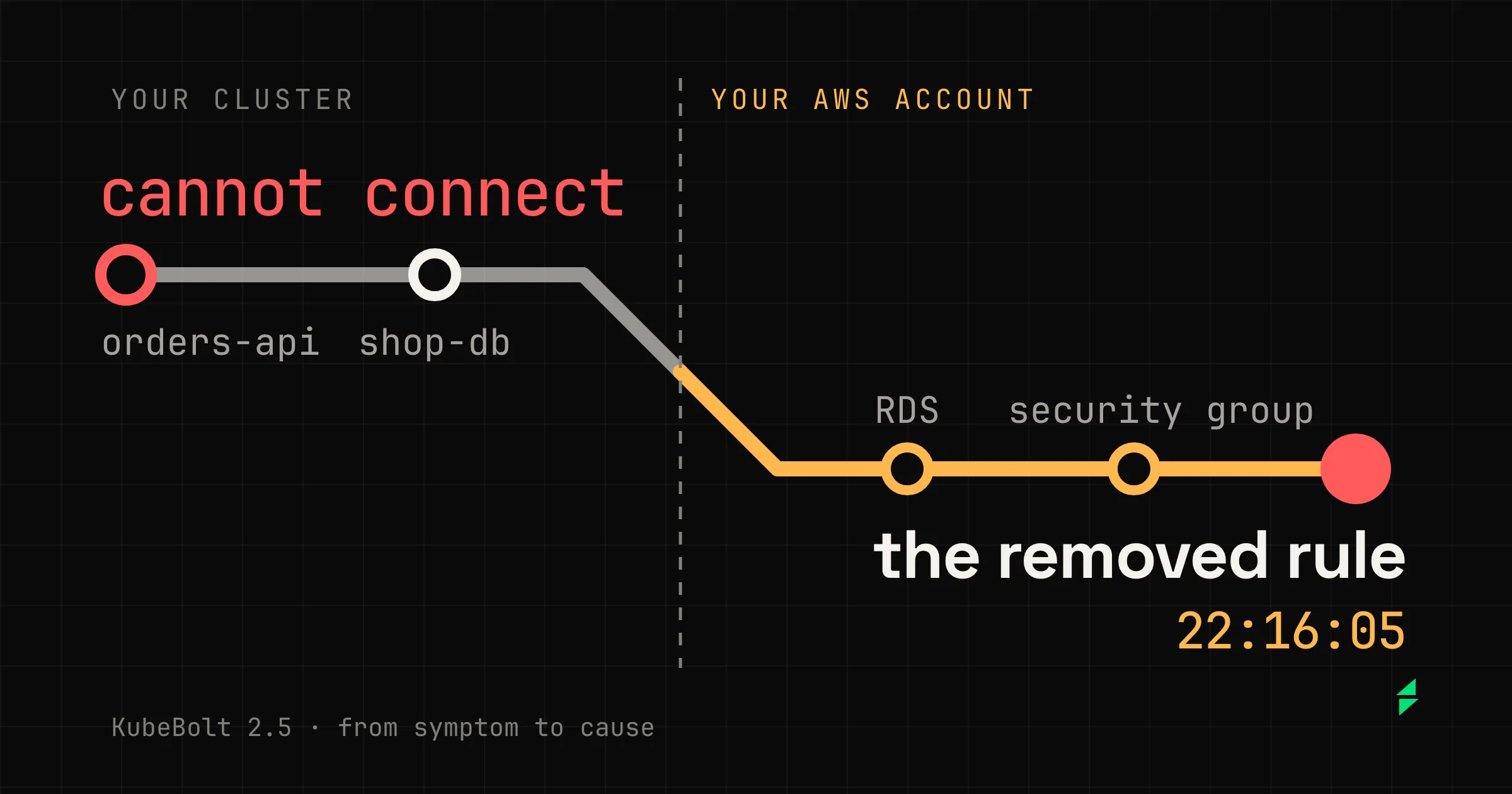
Until 2.4, when an application couldn’t reach its database, Kobi’s evidence ended at cannot connect. It could tell you the dependency wasn’t answering, but not why: the cause was in a cloud account it couldn’t read.
In 2.5, Kobi and Autopilot follow the investigation into your AWS account. That left us a rule for the rest of the release: the further Kobi goes, the more it has to show you. If it’s going to read your account, you need to see what it reads, with which model, and what it costs.
Here I go through those three things with a real investigation from our lab, and sum up the rest at the end. If you only want to know what’s in 2.5:
- Kobi and Autopilot read your AWS account, read-only. On KubeBolt Cloud, from the Team plan. In the open-source edition, Azure too.
- Kobi knows what each address a workload calls is: something in the cluster, another of your clusters, a cloud service or something outside.
- Each step of an investigation says what it read and what came back, and a mark shows where it leaves the cluster.
- Kobi can start on a small model and move to a stronger one when it leaves the cluster, and each model is billed at its own price.
- An Autopilot run reads top to bottom, the same live and after a reload.
Before leaving, knowing what each address is
An address in an environment variable could be a Service in the cluster, the load balancer of another of your clusters, or an RDS. Until now Kobi deduced which. The new tool, get_external_connections, reads Hubble flows, or the workload’s configuration when there’s no Hubble, and classifies each address:
| What it finds | What Kobi can do |
|---|---|
| Something inside the cluster | Carry on with its usual reads |
| A cloud service: an RDS endpoint, a Route 53 private zone on an AWS cluster, a bucket in an environment variable | Read it through the connector, if you have one enabled |
| The load balancer of another cluster you have in KubeBolt | Offer to switch to that cluster |
| Something outside | Tell you it’s outside your infrastructure |
The way in counts too. A read of an Ingress or a LoadBalancer Service now says how requests from outside reach the workload, with the target groups on EKS. So a healthy pod behind an unhealthy load balancer no longer reads as “it works”.
How an investigation reads
Until 2.4, an investigation was a wall of cards named after each tool, and nothing summed up what had been read. To know what Kobi had looked at, you opened them one by one.
This is one from the lab. Someone removed from the database’s security group the rule that let the pods in, and we asked Kobi why the shop was failing. The whole incident is in the comparison with AWS DevOps Agent:
1The summary: how long it took, what it read and what it couldn't. When it ends, the steps fold under it.
2Each step says what it read and, below, what came back. That line counts and lists, and never interprets.
3Logs now say how long it lasted: here, the burst of errors from 22:16 to 22:27.
4Who wrote the resource, how and when. Kobi no longer has to deduce it.
5Where it leaves the cluster, and with what permission: read-only.
6An AWS denial stays in view and rises to the summary as “1 could not be read”.
While Kobi works, a bar over the input keeps the time, the reads, a badge per cloud and the Stop button. If it read a cloud, the answer ends with a footnote that says so, even with the cards hidden.
The Route 53 read is the one I care about most in this view. The lab’s role denied it, so Kobi wrote in its answer that it hadn’t been able to verify that name.
With the denial in view, you know which part of the conclusion you have to check yourself.
The model follows the work
Most questions never leave the cluster, and a small model is enough for those. With an escalation model, Kobi starts on the one you configured and moves to a stronger one, for the rest of the conversation, the first time it leaves the selected cluster: a cloud connector, get_external_connections or a cluster switch.
We measured it with Haiku 5.5 and Sonnet 5.5 on our eval cases. Inside one cluster it cost what Haiku costs, with the same results: it escalated 1 conversation in 57. When the investigation leaves the cluster it costs what Sonnet costs and reads the cloud as Sonnet does, except for the first steps, which are Haiku’s.
This is the conversation above, with its price:
The 7 rounds
What the 2.5.0 panel showed, all of it at Sonnet's price
What it cost, each model at its own price
- 5 rounds of Haiku0.014
- 2 rounds of Sonnet0.039
- Writing the conversation into Sonnet's cache0.165
Two things in this figure:
- Most of the cost is the move. Each model has its own prompt cache, and moving to Sonnet means writing the whole conversation into it: $0.165 of the $0.218. Escalating has a price, and it’s worth knowing that before you turn it on.
- The first panel got it wrong. Open-source 2.5.0 put the whole turn at the price of the model it ended on, so this conversation read $0.456. 2.5.1 fixes it, and 2.5.0-e2 for Cloud and Enterprise shipped with the fix. The session detail names both models, why it moved and what each cost. On Cloud, Usage & Credits shows the same credits that are charged.
The response cap follows the model too: 16384 tokens where reasoning counts against it and 4096 elsewhere. Haiku 5.5 no longer stops mid-answer.
An Autopilot run, top to bottom
Autopilot’s investigator, planner and postmortem read the cloud through the same connector. Until 2.4, a run was a timeline of phases that read differently live and after a reload. Now it’s a thread that tells things in the order they happened, the same both ways:
1The header says how it ended, not just that it did.
2Each stage folds into what it concluded. In a real run it also carries its time and spend.
3Each read says what came back, and the cloud mark shows before the first one.
4When the cause is where Autopilot can't act, it says so and hands you the case.
While it runs, the thread shows:
- Before it starts: if it’s queued,
Queued · 6:30and the reason. - Each stage: its layer, its model, or “2 attempts” if it retried, its time and its spend. The time-limit bar pauses while someone decides an approval.
- Each approval: what’s being asked, how long it has waited and who decided.
- Each change: what it did to the cluster.
When it ends, each stage folds into what it concluded and the header says how it ended: Resolved · verified · 0:33, or Needs a human · 4:05.
Two things change in what’s billed, and I’d rather say so here. A stage that fails now records and bills what it spent, where before it left no trace. Each attempt is billed at its own model, where before a failed attempt’s tokens were added to the fallback’s and priced at its rate.
What Kobi no longer has to deduce
A good part of an investigation was deducing things the cluster already records. Now it reads them:
- What each revision changed, and which one a rollback would restore.
- Who wrote a resource, how and when, from its field managers. KubeBolt’s own writes now carry theirs,
kubebolt. - How long an error lasted. Logs bring the bursts with their start and end, and a line that repeats shows once, with its count. For an AWS authorization error, also each action and resource denied.
- Credentials stay out. A credential written as an environment variable’s value no longer enters Kobi’s reads.
On top of that, 17 of KubeBolt’s procedures, from a crash loop to a rollback, ship built in, and Kobi loads them when it needs them. They cost nothing on the turns that don’t use them.
If you run KubeBolt yourself
- Upgrading: in open source, 2.5.1 with agent 1.4.6, no migration. If your values file sets
copilot.maxTokens: 4096, remove it to use the per-model cap. - The escalation model: pick it under Escalation model, in the primary provider’s card, or with
KUBEBOLT_AI_ESCALATION_MODEL. - Azure: in open source, the connector runs through a sidecar next to the API.
- Any OpenAI-compatible endpoint, on Enterprise: Autopilot’s gateway engine talks to OpenRouter, LiteLLM, vLLM or a local server, and runs models like GLM or Kimi through the same pipeline. It’s opt-in.
- Plans without a model, on Enterprise:
autopilot.executor: coderuns an approved plan with no model, behind the same gates, and checks before acting that the problem is still there. - One ServiceAccount per product, on Enterprise: the web and Autopilot stop carrying the API’s identity.
What it isn’t yet
On Cloud and Enterprise, only AWS is available. Azure shows as “Soon”: it works, but it signs with one identity per instance, and on Cloud each organization needs its own. Google Cloud shows as “Soon” in every edition.
And the connector only reads. If the cause is in your account, Kobi gives you the command to fix it, but doesn’t run it.
What’s left
Connecting Kobi to your account was half the work. The other half was letting you follow it: what it reads step by step, with which model, and what each part costs. The further it goes, the more it has to show you.
The tests we ran before releasing it are in Kobi on AWS: ten incidents and where each fix went.