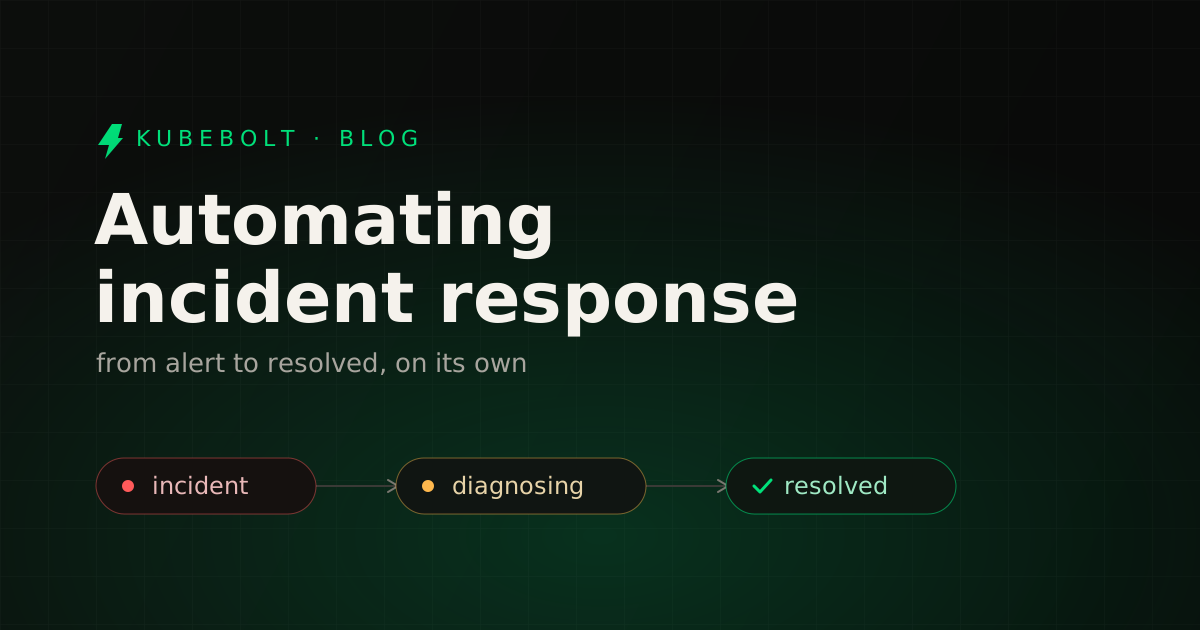
It’s 3am. A pod starts crash-looping, the alert fires, and a human gets paged to do something a script could have done in seconds. Most Kubernetes incident response is still manual not because the fixes are hard, but because nothing connects the detection to the resolution. This post walks through the levels of automation and how to climb them without losing control.
Alerts are not resolution
A dashboard that turns red tells you a symptom exists. It doesn’t gather context, decide what to do, or act. The gap between “something is wrong” and “it’s fixed” is where on-call time goes — and it’s the same gap, night after night, for the same handful of failures.
The work in that gap is always the same loop: detect → triage → diagnose → remediate → write it up. Automating incident response means compressing that loop, step by step.
The levels of automation
Level 0 — Alerting. You get paged. Everything after that is human. This is where most teams live.
Level 1 — Runbooks and scripts. You write down (or script) the fix for known failures. Better, but brittle: scripts drift from reality, assume a cluster state that may not hold, and still need a human to pick the right one under pressure.
Level 2 — Deterministic auto-remediation. A rule engine recognizes a known signature (a CrashLoopBackOff, an OOMKilled, a stalled rollout) and applies a known-good fix — no model, no guesswork. Fast and predictable, but only covers patterns you’ve encoded.
Level 3 — AI-assisted resolution. An agent reads the live cluster, reasons about the root cause, and proposes the exact fix. A human approves and it executes. This handles the messy cases a rule can’t enumerate, while keeping a person in the loop.
Level 4 — Autonomous remediation. For well-understood, high-confidence incidents, the agent acts on its own within guardrails and writes the postmortem. The human reviews after the fact instead of being woken up.
Most teams don’t need to pick one level — a healthy setup uses all of them: deterministic fixes for the common cases, AI for the ambiguous ones, autonomy only where it’s earned.
Do it safely: four principles
Automating who-can-change-your-cluster is exactly as risky as it sounds. Four principles keep it sane:
- Determinism first. If a failure has one correct fix, encode it as a rule, not a prompt. Reserve the model for genuine ambiguity. It’s cheaper, faster, and auditable.
- RBAC on every action. Automation must act as a principal with real permissions, never as a god-mode backdoor. It can never do more than the cluster grants it.
- An audit trail for every change. Who (or what) changed what, before and after, and why. Without this, autonomy is unaccountable — and the first bad change ends the experiment.
- Human-in-the-loop by default, autonomy by exception. Start with propose-and-approve. Graduate specific, well-understood incident types to autonomous only once you trust them.
How KubeBolt closes the loop
KubeBolt is built around exactly this progression:
- Detect — the Insights Engine evaluates 24 deterministic rules continuously and turns each finding into a plain-language recommendation. No PromQL, no model required.
- Resolve, assisted — Kobi, the AI copilot, reads your live cluster through 17 diagnostic tools, finds the root cause, and proposes the exact fix. You click to execute — under RBAC, with a before/after audit trail, and a governance switch to scope what it’s allowed to touch.
- Resolve, autonomously — Autopilot wakes only when something matters, opens a session, decides, acts within guardrails, and writes the postmortem. In our MVP it already resolves real incidents end-to-end in under 90 seconds.
The throughline is the four principles above: deterministic where it can be, AI where it must be, RBAC and audit everywhere, and you in control of how far it goes.
If you want to see the deterministic layer working first, it installs in under two minutes and starts surfacing fixes immediately.